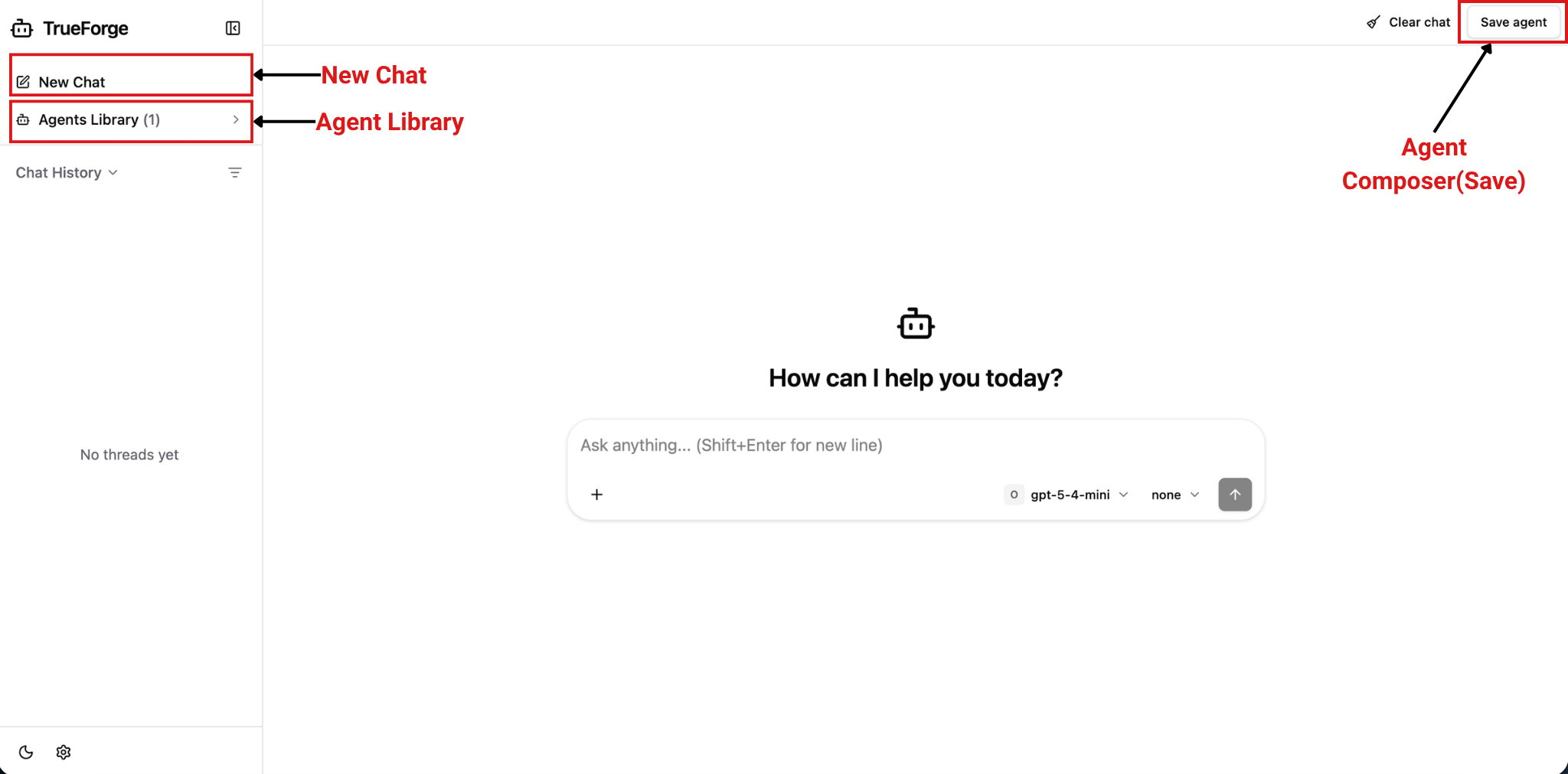
agentConfig object.
Single Agent
All conversations use a single named agent configured through the name parameter. Agent selection controls are hidden, so users cannot switch agents or open the agent composer.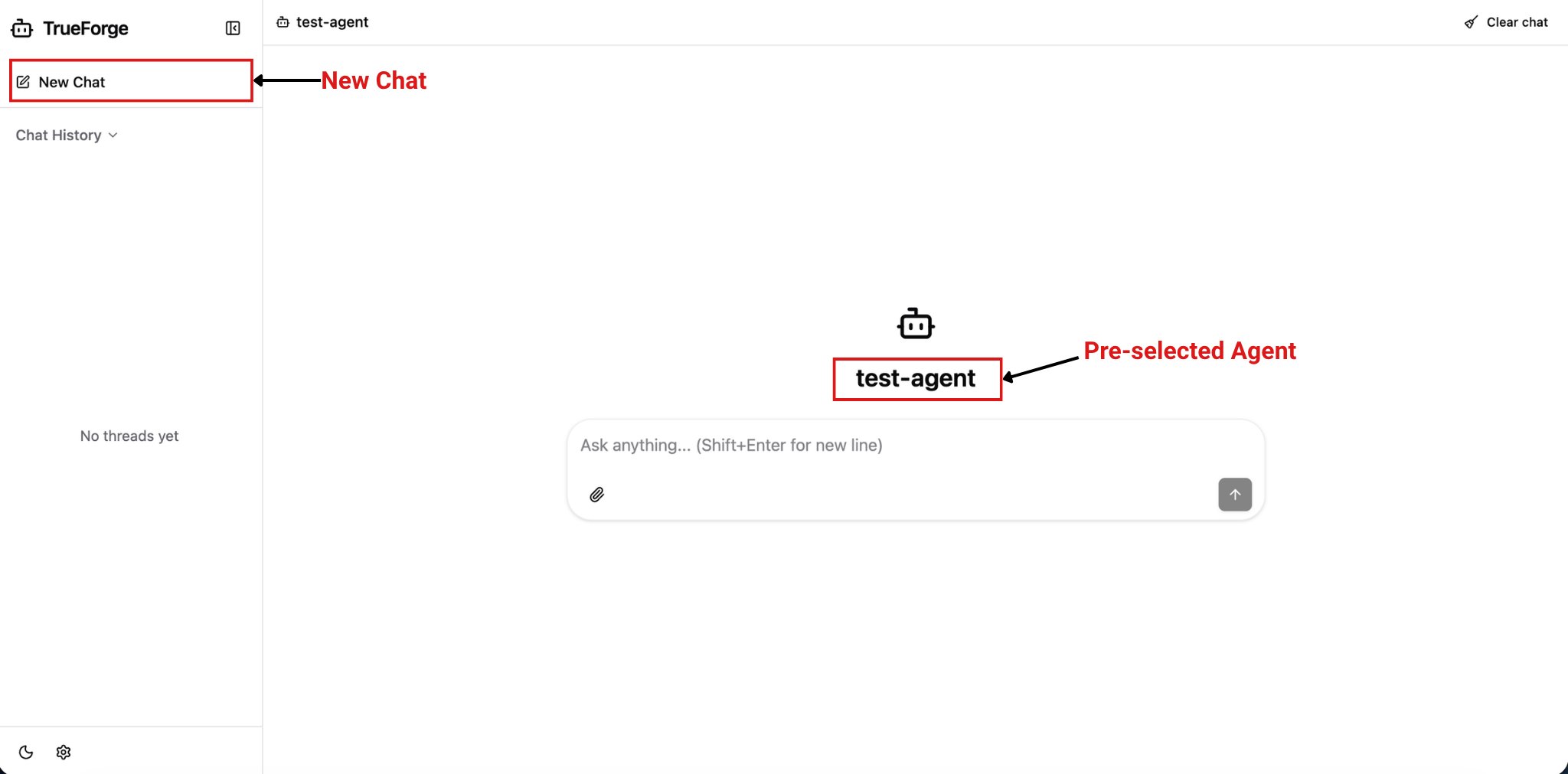
AgentComposer
Users can create a new agent by selecting a model, skills, and MCP servers, then save the configured agent to the library for future use. The composer Tools menu stays focused on connectors and skills. Agent Config opens the full draft editor for model parameters, instructions, runtime behavior, MCP tool selection, and skills. Agent Config changes apply to the active draft immediately. The Save Agent dialog keeps an independent working copy of the same fields and reuses the same model, MCP, and skill pickers; cancelling that dialog discards only its local changes. Model limits and pricing are shown when the configured server provides them.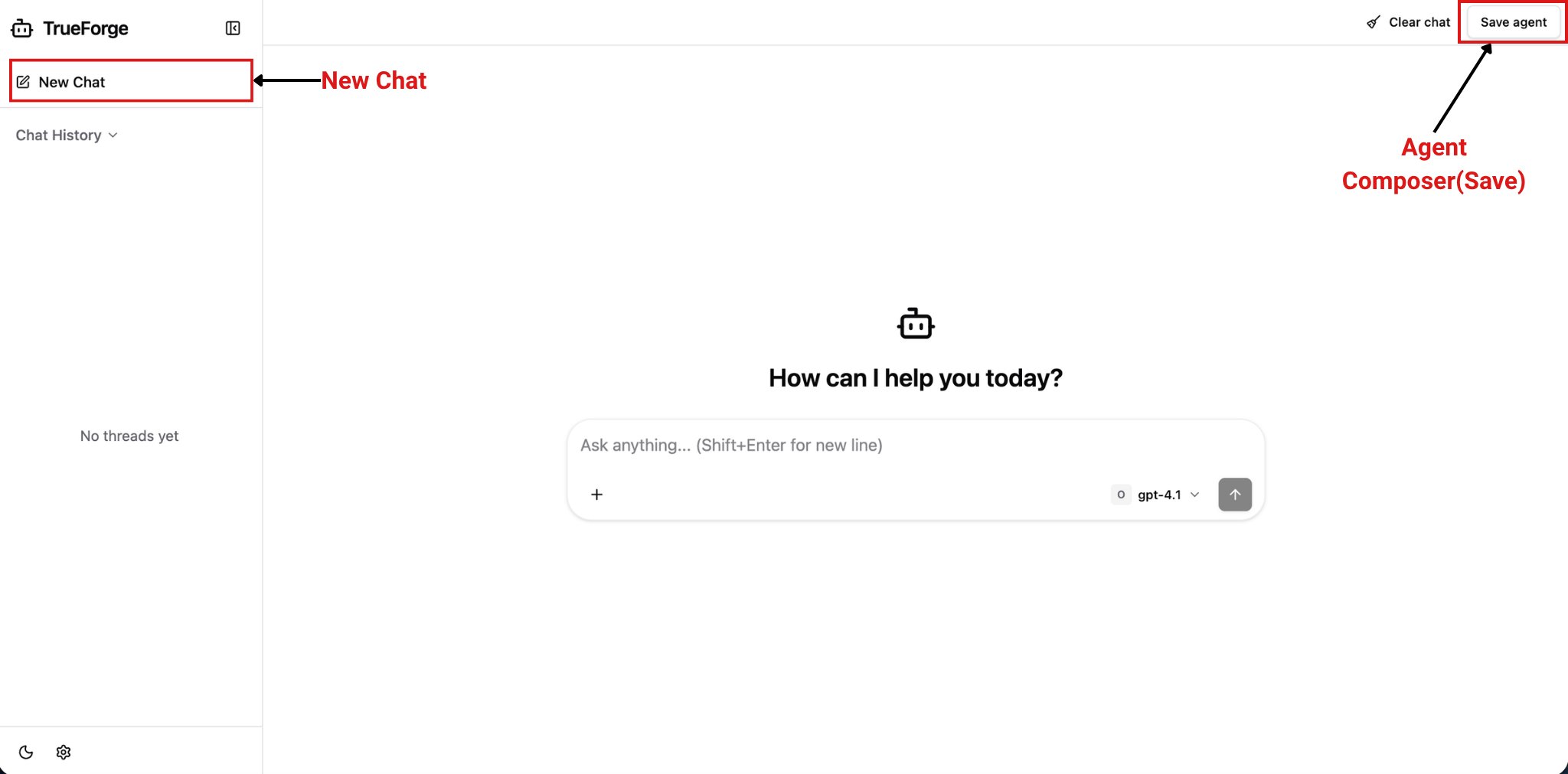
AgentLibrary
Users can chat with agents already saved in the library but cannot create new agents. The “New Chat” option is disabled in this mode, making it ideal for restricting agent creation while still allowing users to use existing agents.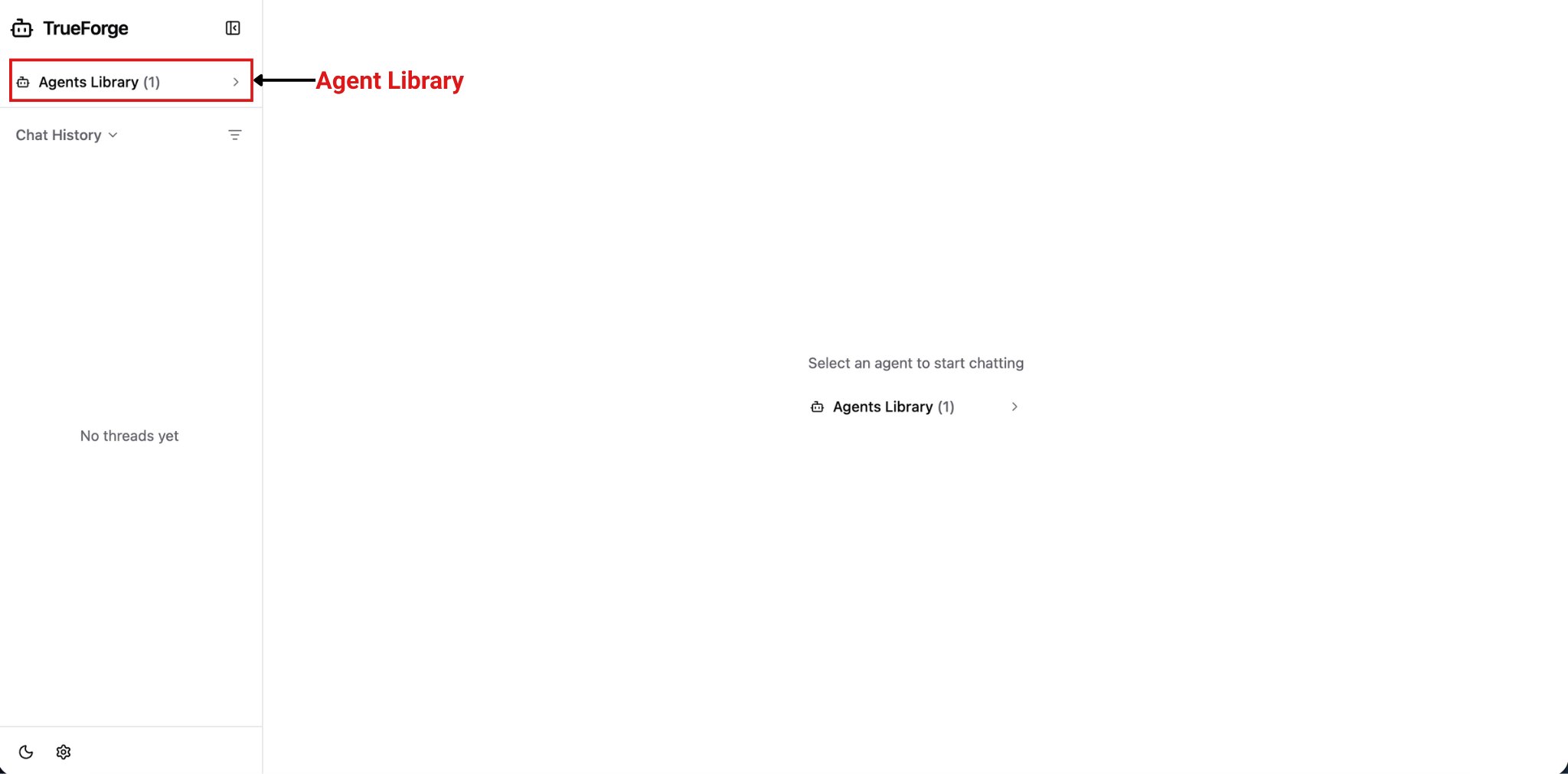
AgentLibraryWithComposer
Users can choose an existing agent from the library or create a new agent using the composer.