> ## Documentation Index
> Fetch the complete documentation index at: https://trueforge.dev/llms.txt
> Use this file to discover all available pages before exploring further.
# Quickstart
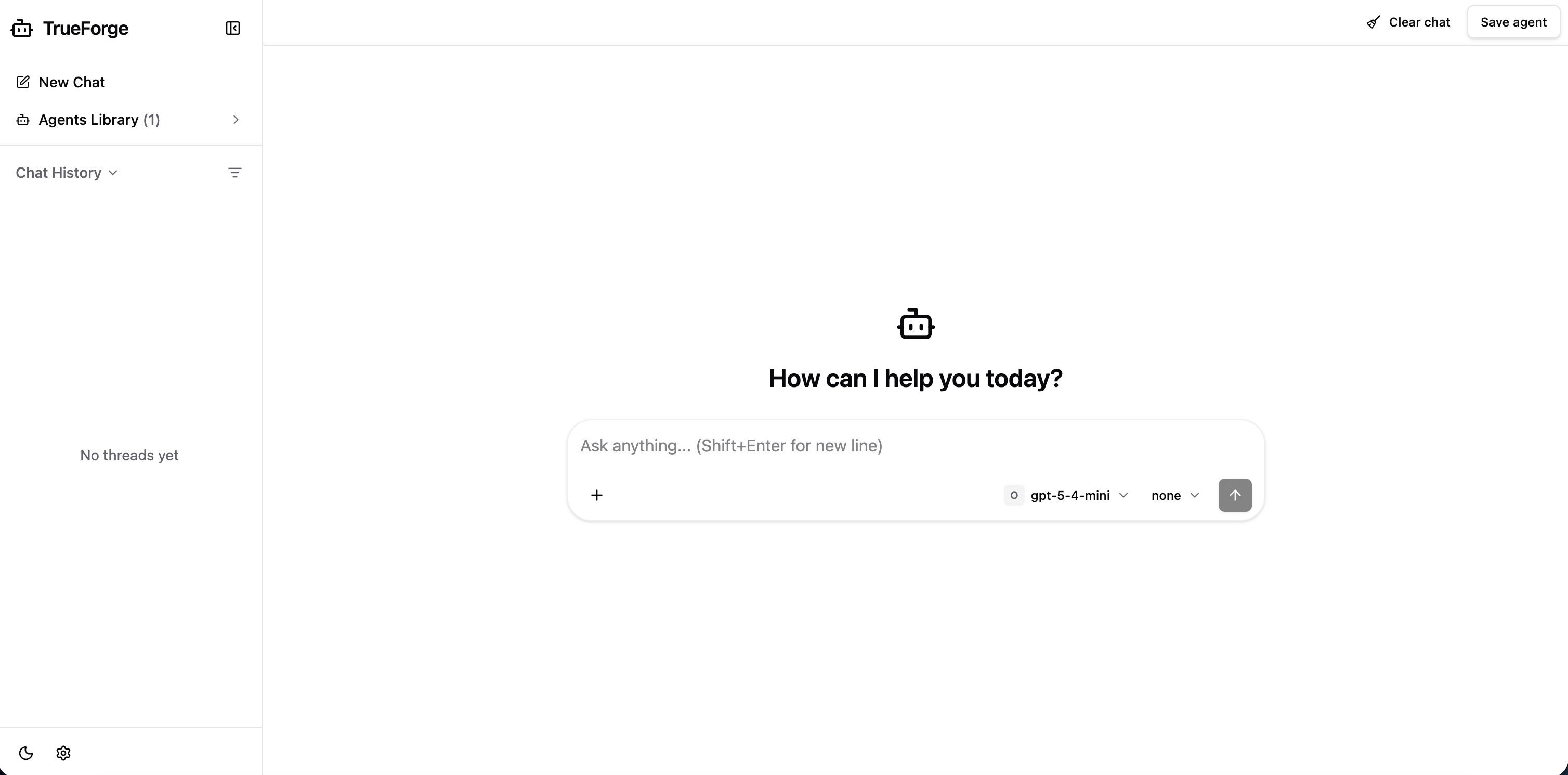
> Render a working agent chat UI against a TrueForge server
## Installation
```shellscript npm theme={null}
npm install @truefoundry/trueforge-ui @truefoundry/trueforge-sdk
```
```text pnpm theme={null}
pnpm add @truefoundry/trueforge-ui @truefoundry/trueforge-sdk
```
```text yarn theme={null}
yarn add @truefoundry/trueforge-ui @truefoundry/trueforge-sdk
```
`react` and `react-dom` are required peer dependencies (version 18 or 19).
## Render the UI
Point `TrueForgeUI` at your TrueForge server:
```tsx App.tsx theme={null}
import { TrueForgeUI } from "@truefoundry/trueforge-ui";
export default function App() {
return (
", // only if the server has OIDC login enabled
}}
layout="sidebar"
/>
);
}
```
`baseUrl` is your harness API root (defaults to `/` for same-origin). Add `token` — a Bearer token for the SDK — only when the server has OIDC login enabled. That is enough to get a full agent chat with streaming, history, and tool calls.
 This documentation is built and hosted on [Mintlify](https://mintlify.com), a developer documentation platform.